No cloud, ever
Files travel straight over your LAN. No relay server, no upload, no account required, by default and non-negotiably.
OpenNearby moves files between devices on the same Wi-Fi at full network speed: no cloud, no account, no signaling server ever standing in the middle. The host is one lightweight install; guests just open a browser, with nothing to install at all.

why.md
One running process is both the native host and the browser server: no signaling server and no cloud, ever, by default.
Files travel straight over your LAN. No relay server, no upload, no account required, by default and non-negotiably.
Any phone or laptop on the same Wi-Fi opens http://<lan-ip>:port or scans a QR code: same UI, no app store, no download.
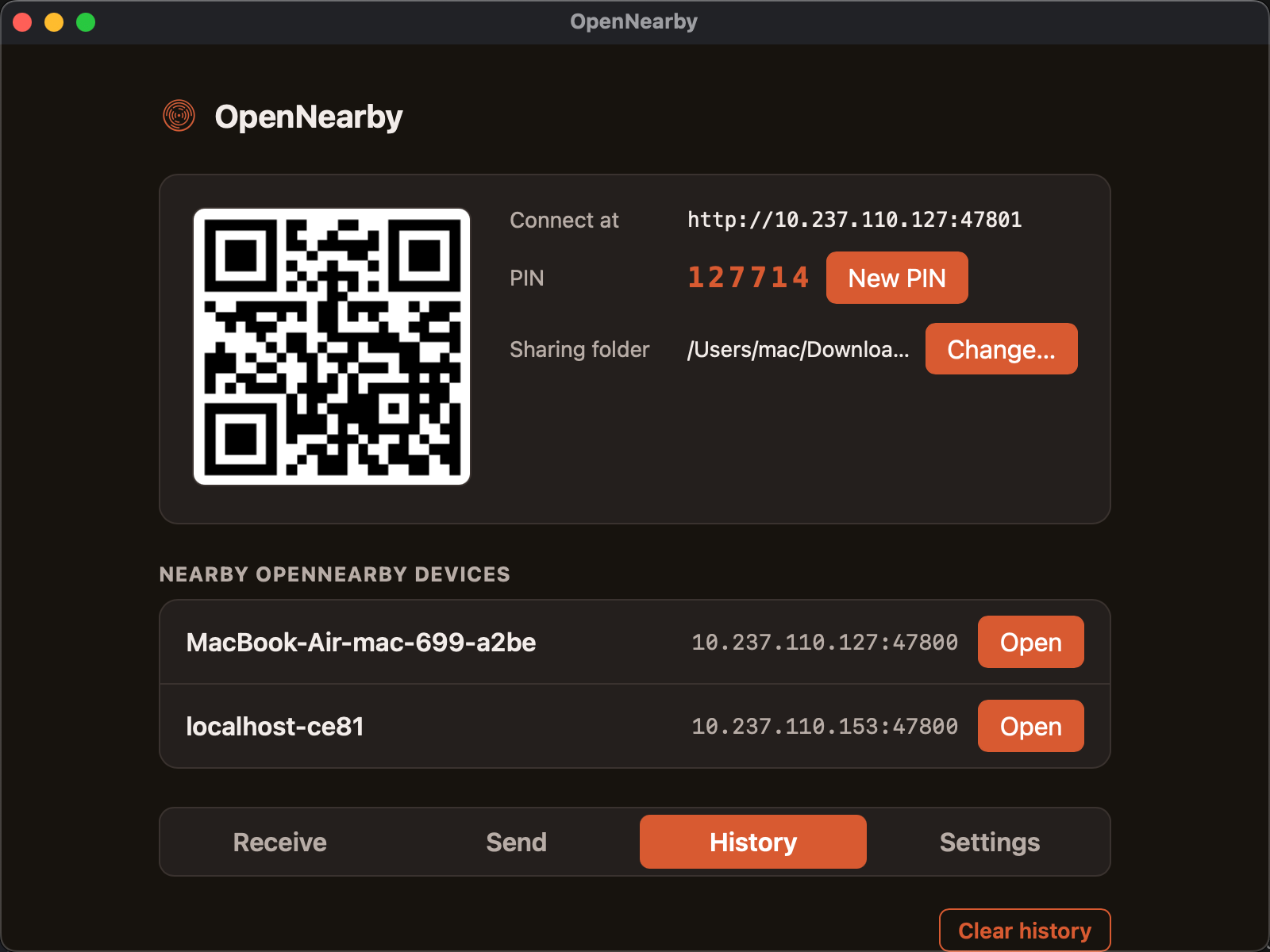
Two OpenNearby installs on the same network find each other automatically. No typing IP addresses, no pairing dance.
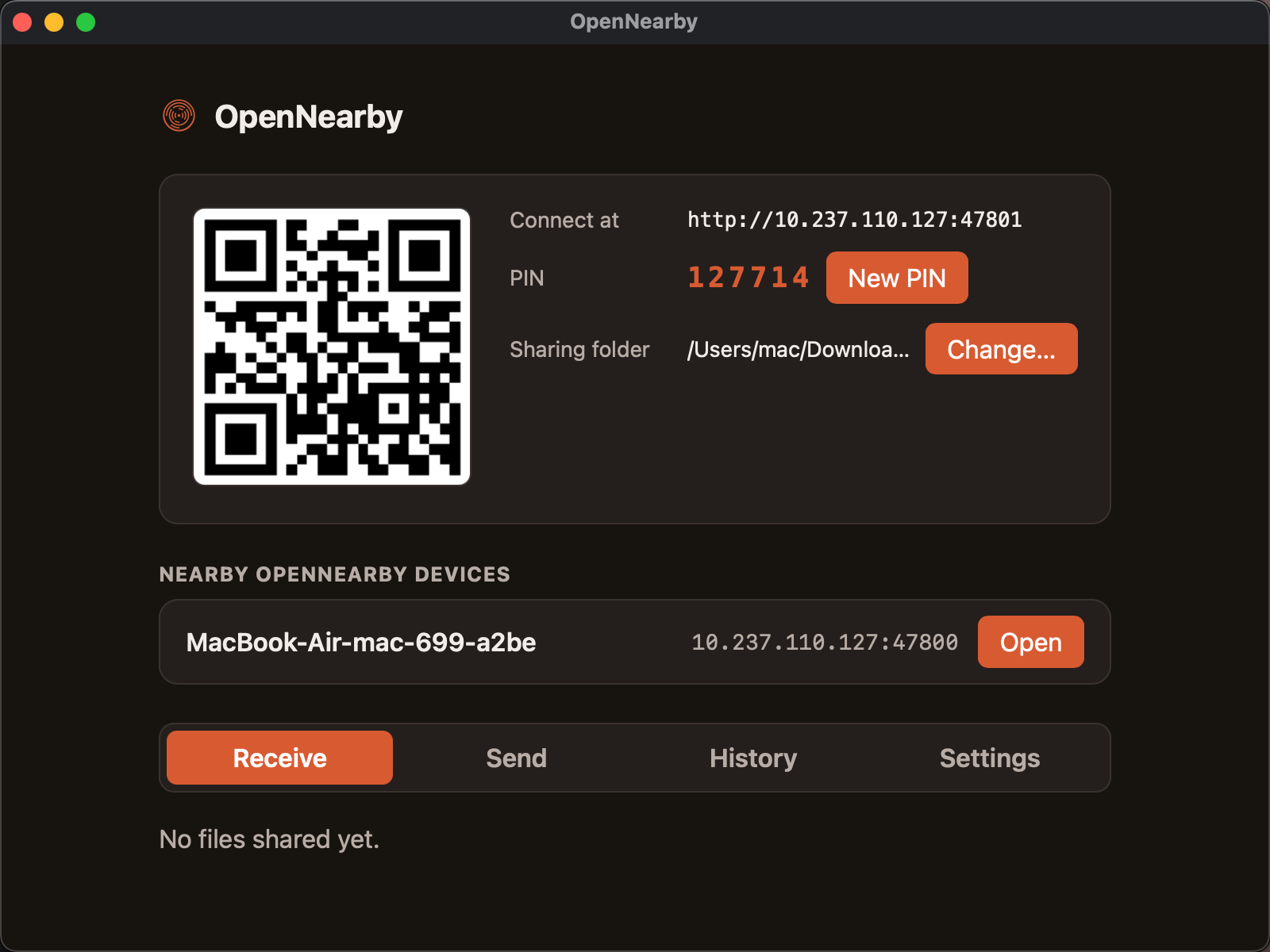
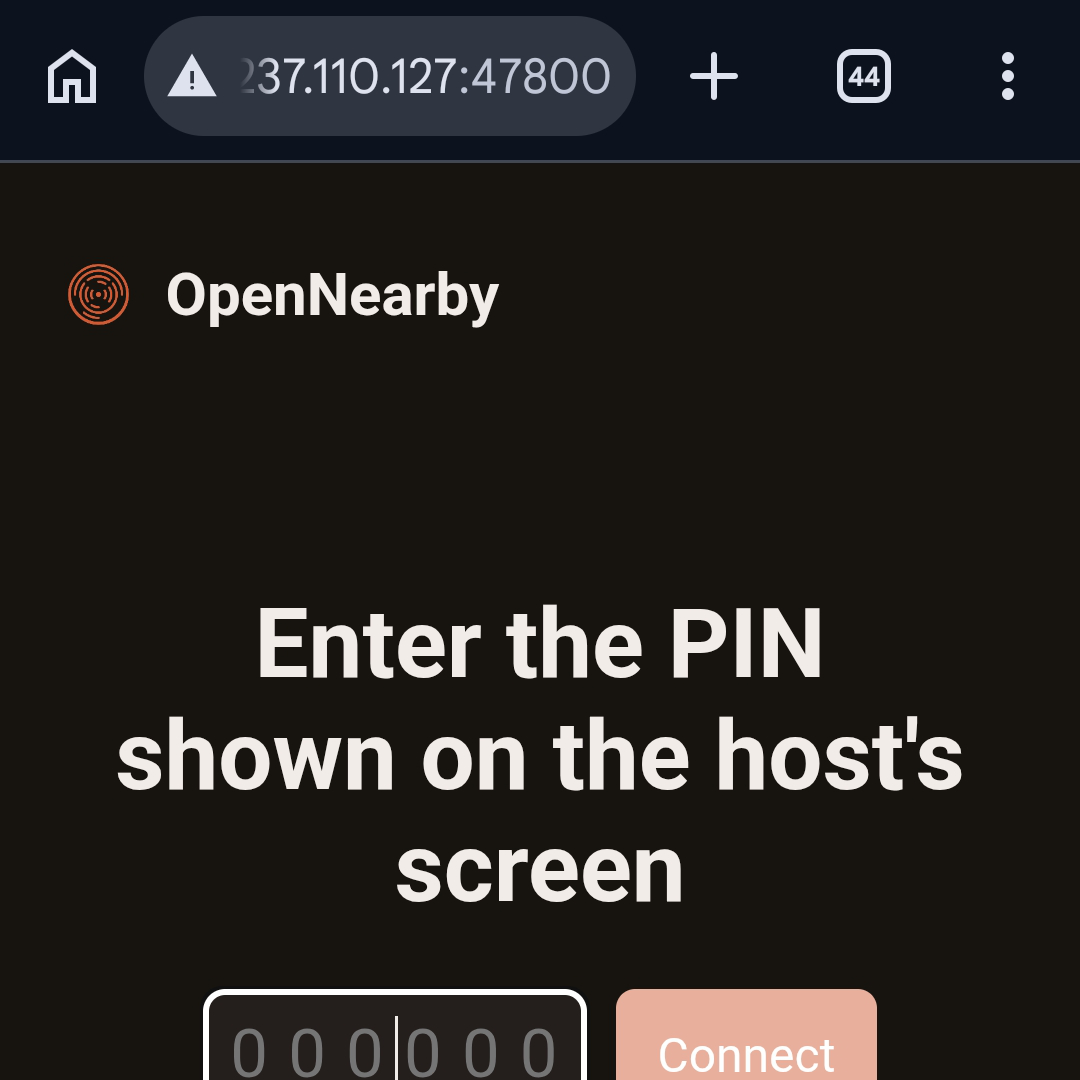
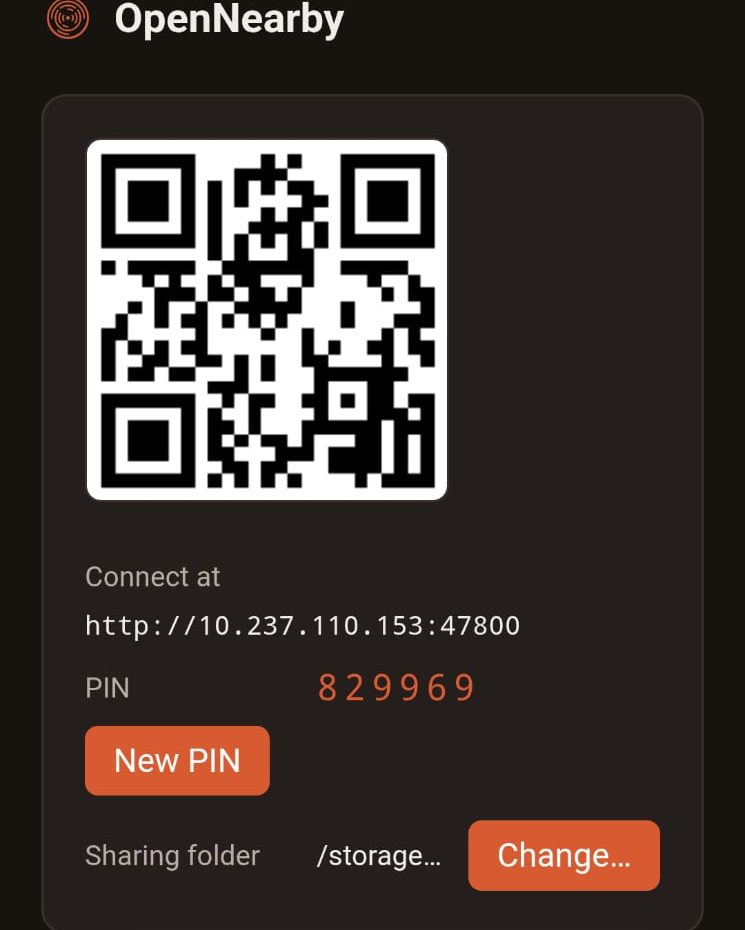
A random 6-digit PIN gates every new device before it can browse or upload, shown right next to the QR code and changeable anytime.
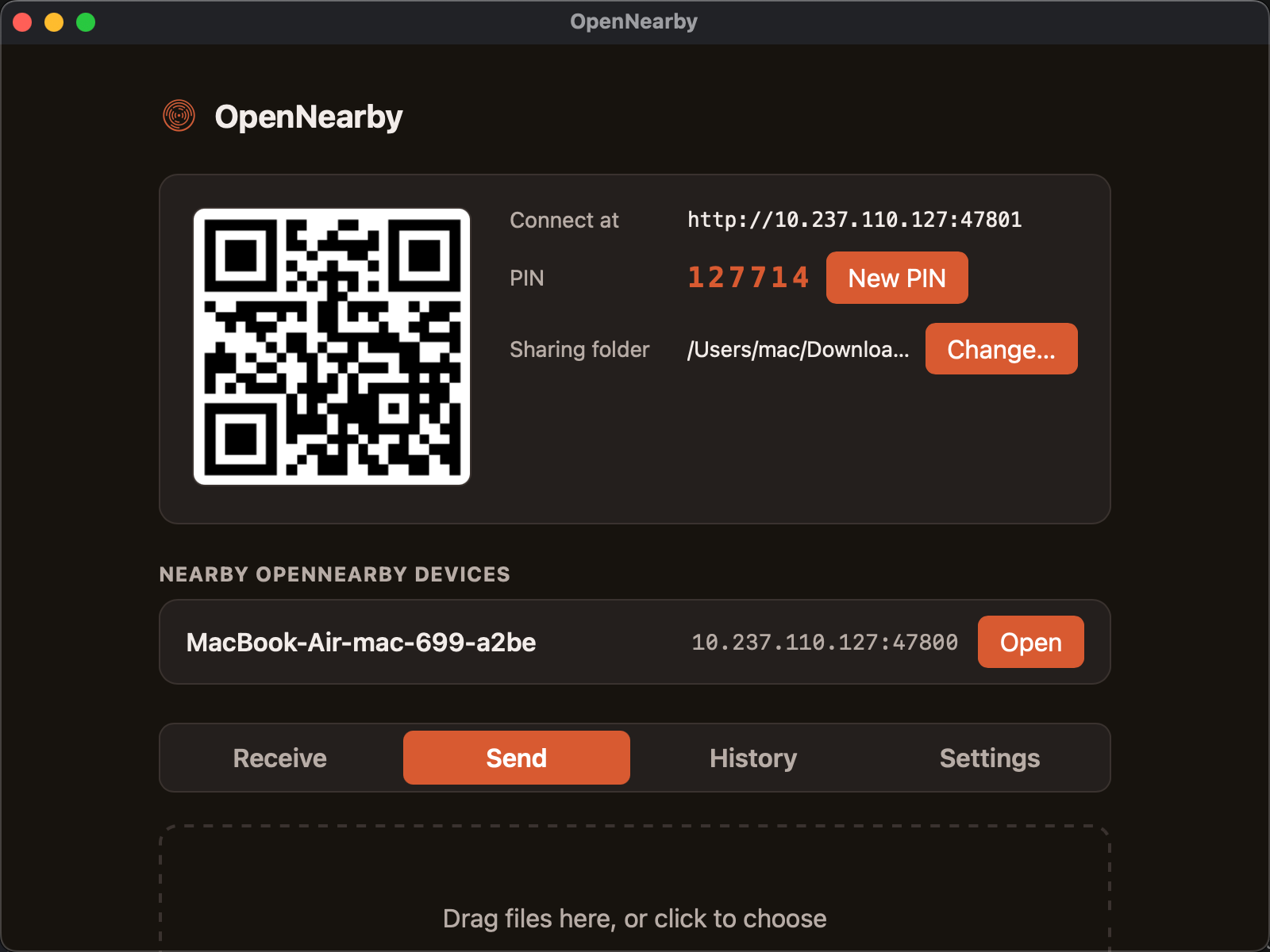
Drag-and-drop upload and one-click download both show real percentage progress, not just a spinner.
Native builds for macOS (Apple Silicon), Windows and Linux, plus an Android app for share-sheet sending to a desktop host. Any device with a browser, iOS included, can join as a guest with zero install.
screenshots/
The host panel, the drag-and-drop send zone and per-device transfer history.
guest.html
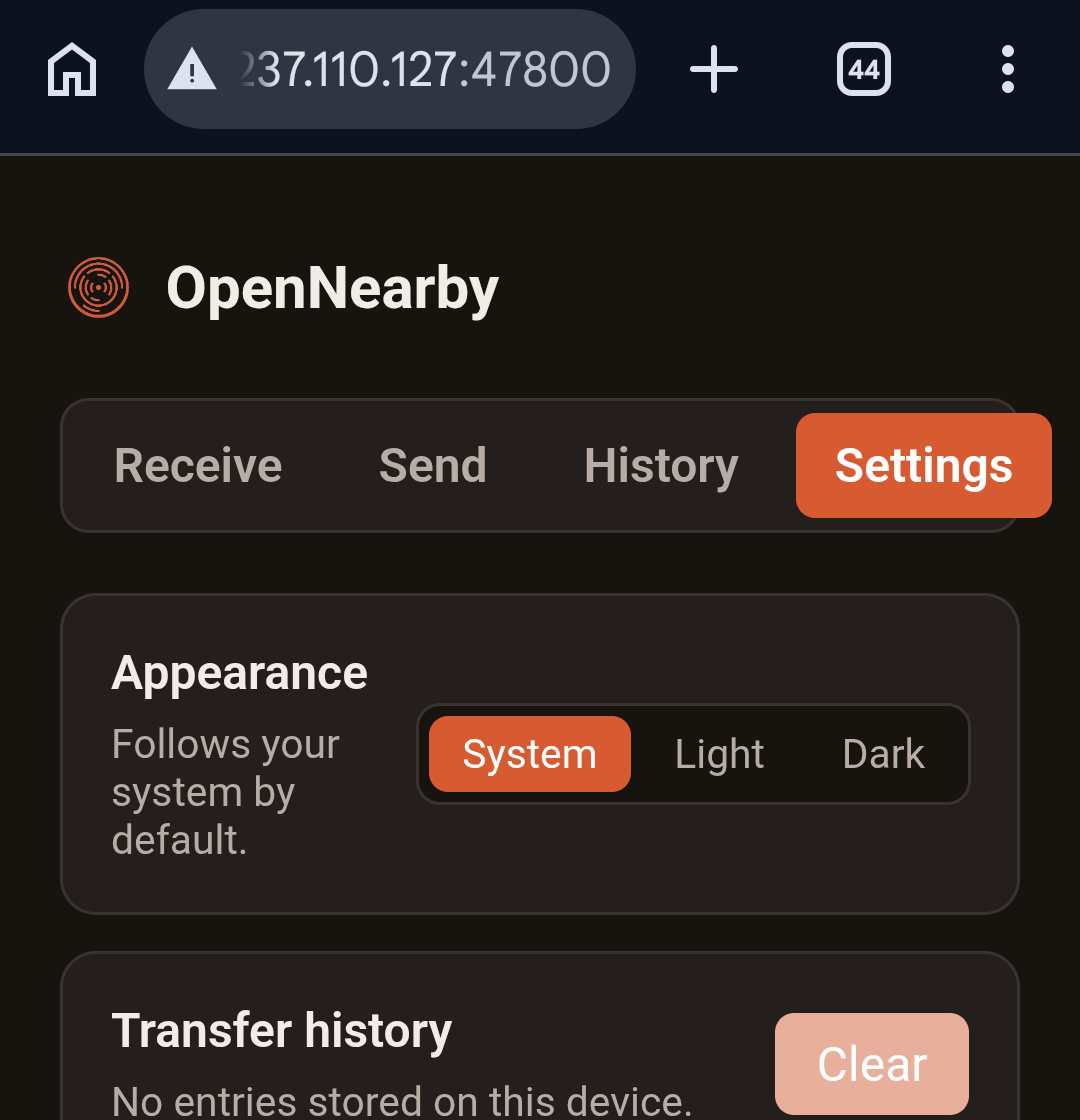
Guests just open the link or scan the QR code. Same PIN gate, same UI, straight in the browser.

android/
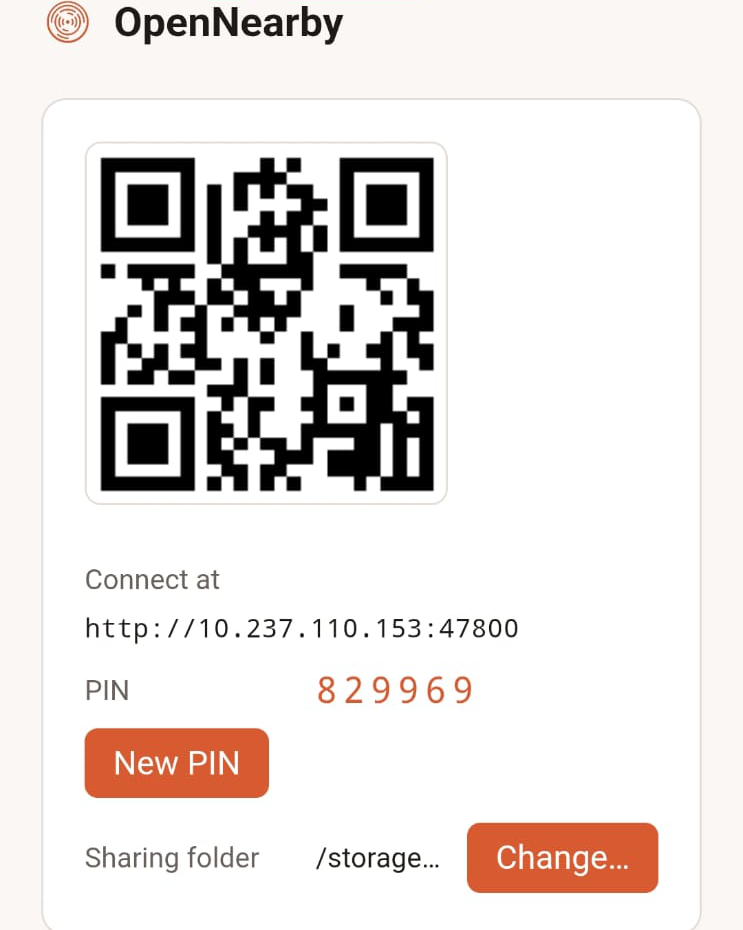
For share-sheet sending to a desktop host, in either theme.
principles.md
Learned from watching other LAN-sharing tools quietly change their data path.
No cloud relay, no analytics phoning home, no signaling server for LAN discovery. By default, period.
mDNS discovery and the LAN HTTP server never depend on internet access to function.
Any future relay or remote-access feature will be clearly labeled and off by default, never a silent default change.
how-it-works.md
A Rust axum server binds to 0.0.0.0 inside the Tauri process and serves the same static frontend to the desktop webview and to every LAN browser guest.
The desktop app spins up a local HTTP server and mDNS advertisement. No setup, no ports to forward.
A QR code and a plain http://ip:port link cover browser guests; mDNS covers other OpenNearby installs.
The guest enters the 6-digit PIN once; the server replies with a session cookie so downloads work like normal link clicks.
Browse and download the host’s shared folder, or drag files in to upload, both with live progress.
releases/latest
Pick your platform. Every build is free, and the source is right there on GitHub.
v0.1.2 · Windows 10 / 11 · x64
Not code-signed yet, so SmartScreen may flag it. Click “More info”, then “Run anyway”.
v0.1.2 · Apple Silicon
Not notarized yet, so macOS will say the app is “damaged”. Move it to Applications, then run this once in Terminal:
xattr -cr /Applications/OpenNearby.app v0.1.2 · x86_64
v0.1.2 · Universal APK · share sheet
Not on Google Play, so allow installs from this source. The Android app acts as a guest and sender, not an always-on host.
OpenNearby is MIT-licensed. Read the code, file an issue or send a pull request: it’s all on GitHub.
Built by Zidni Ridwan Nulmuarif. Not affiliated with Apple, Microsoft, Google or any Linux distribution.